Feature Walkthrough

MyPeepl Feature Walkthrough

Scroll down to learn about the features of the app, from sign-up to day replay.

1
📧

Sign Up & Verify

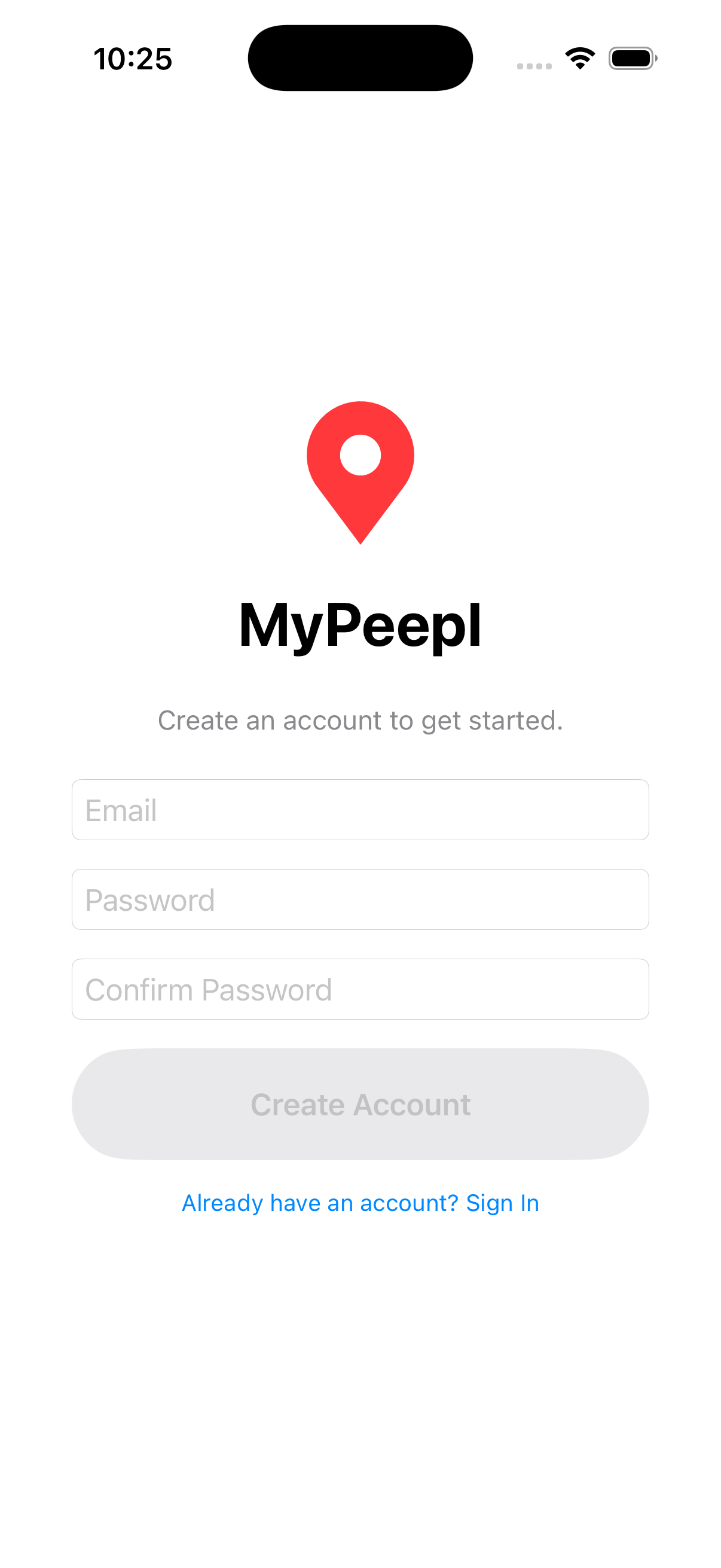
Create your account with an email address and password. A verification code is sent to your inbox to confirm your identity.

Sign Up screen
2
🔑

Sign In

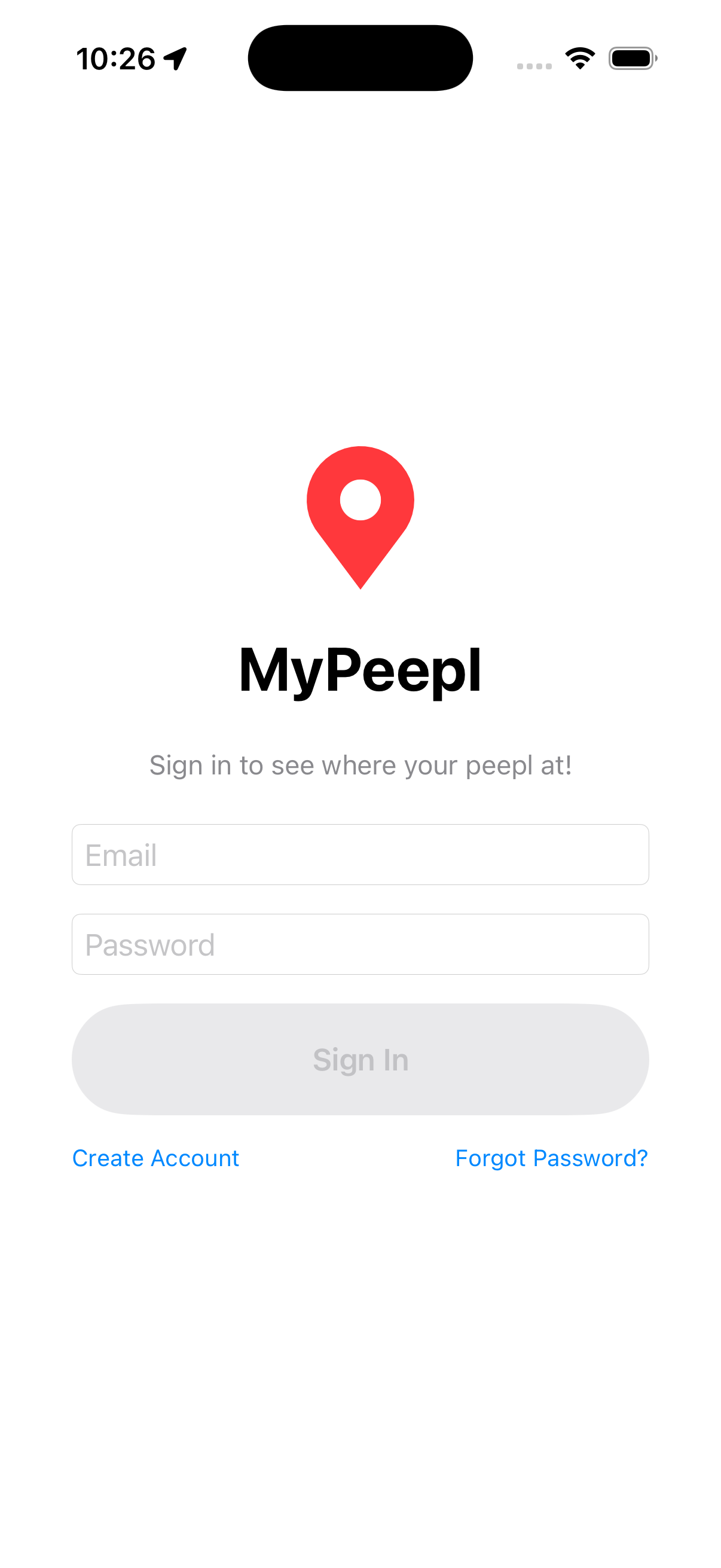
Log in with your email and password. Your session is saved securely so you stay signed in across app restarts.

Sign In screen
3
📍

Live Map

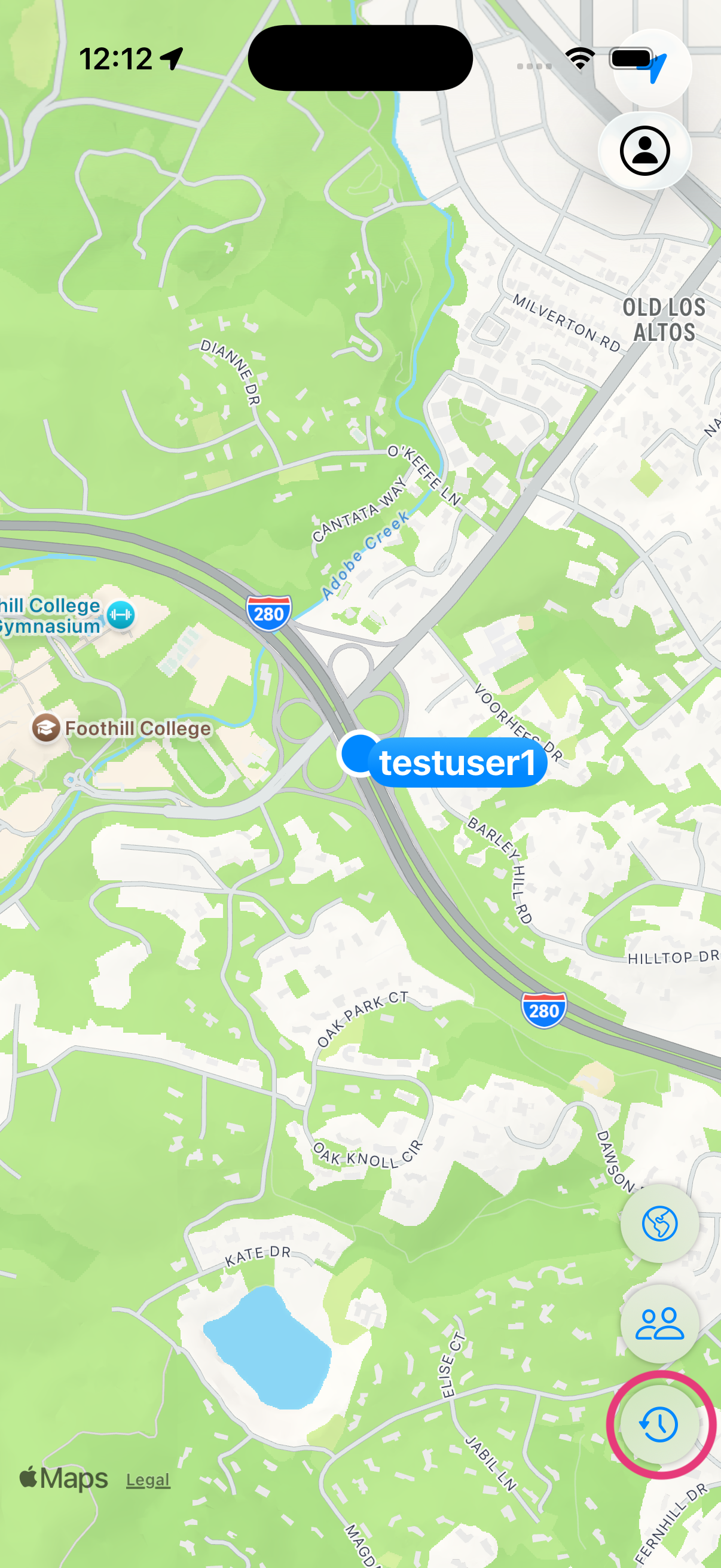
See your current location on the map in real time. The blue dot follows you as you move, with the map centered on your position.

Live Map screen
4
👥

Circle Members

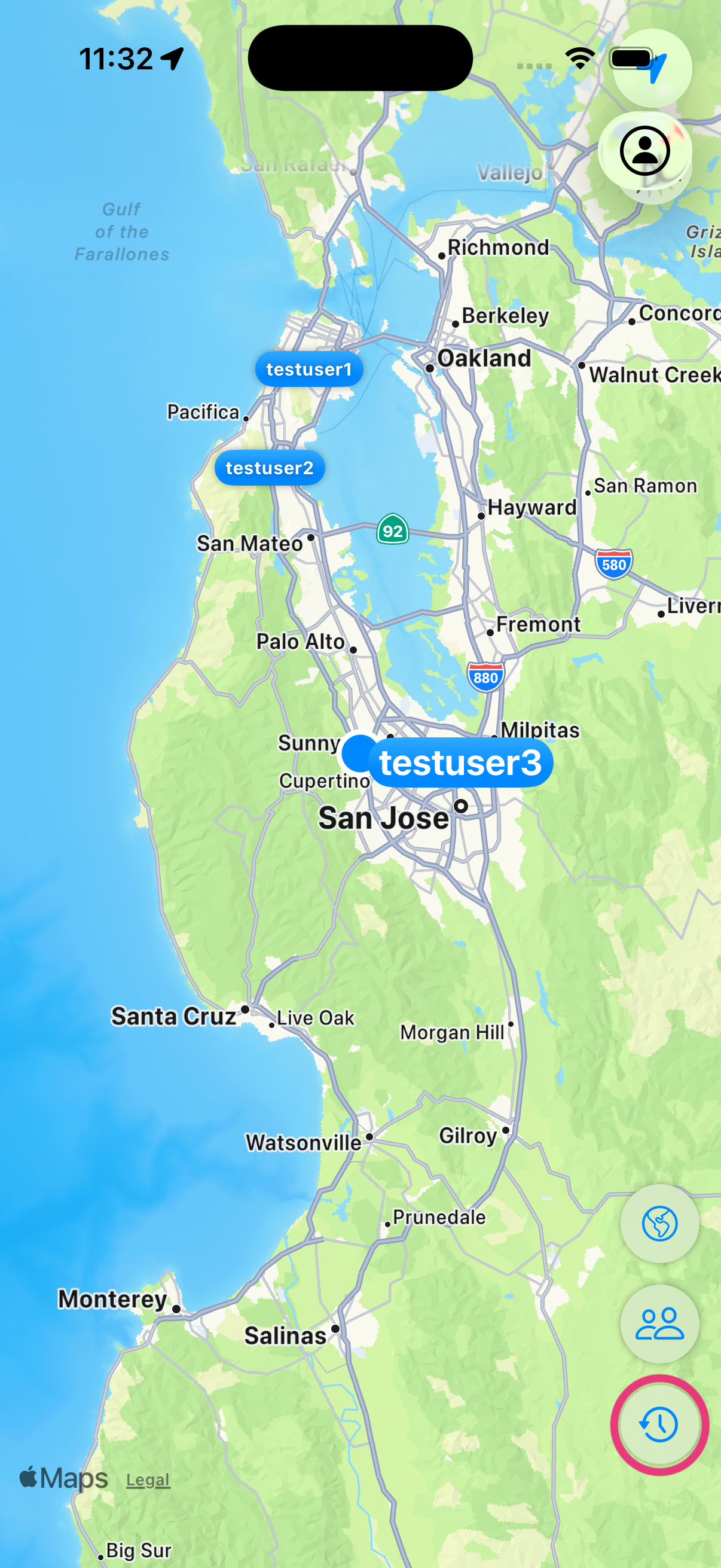
View the live locations of everyone in your circle directly on the map. Each member appears as a labeled marker.

Circle Members screen
5
💌

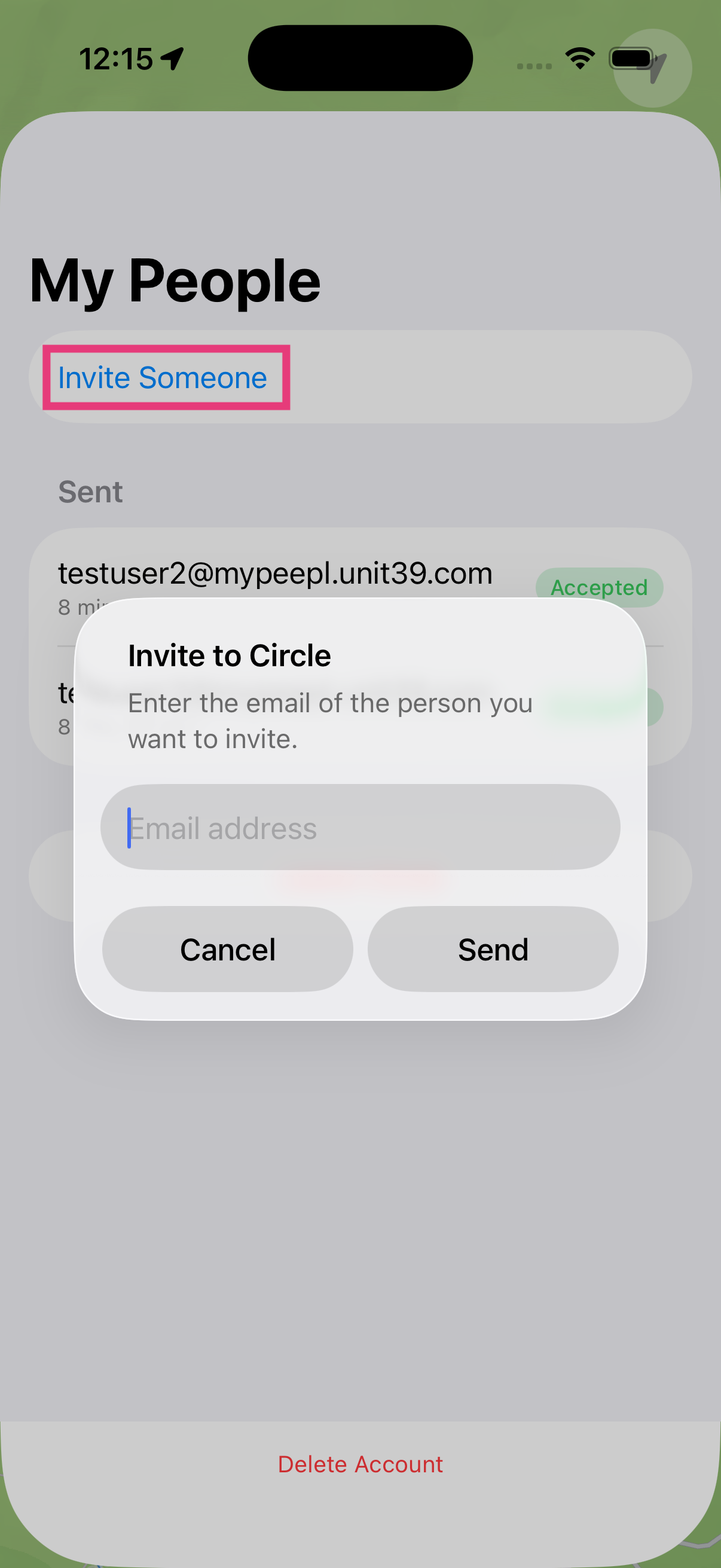
Invite People

Grow your circle by inviting family and friends. Enter their email address and send an invitation directly from the app.

Invite People screen
6
📬

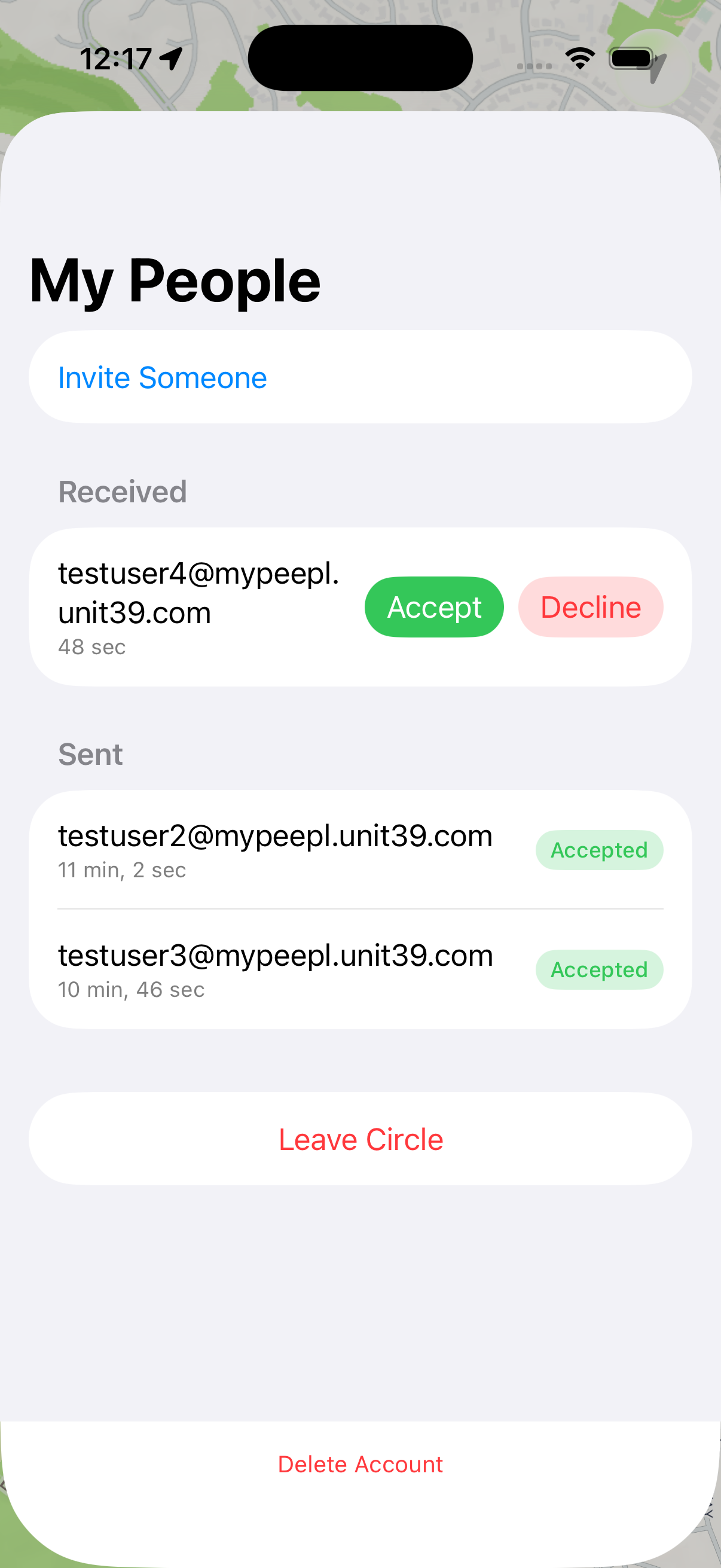
Manage Invitations

View and respond to incoming invitations. Accept to join someone's circle or decline if you prefer not to share your location.

Manage Invitations screen
7
📅

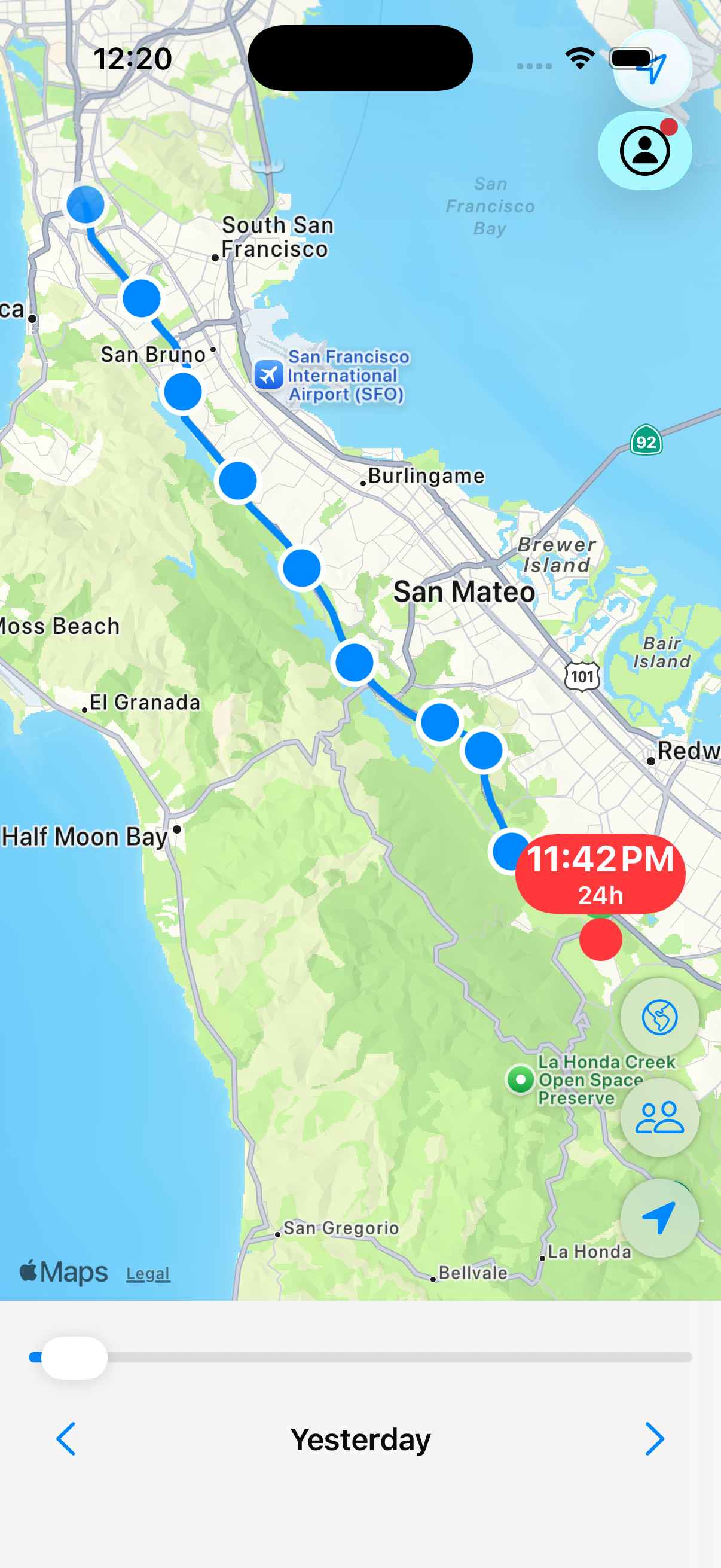
Location History

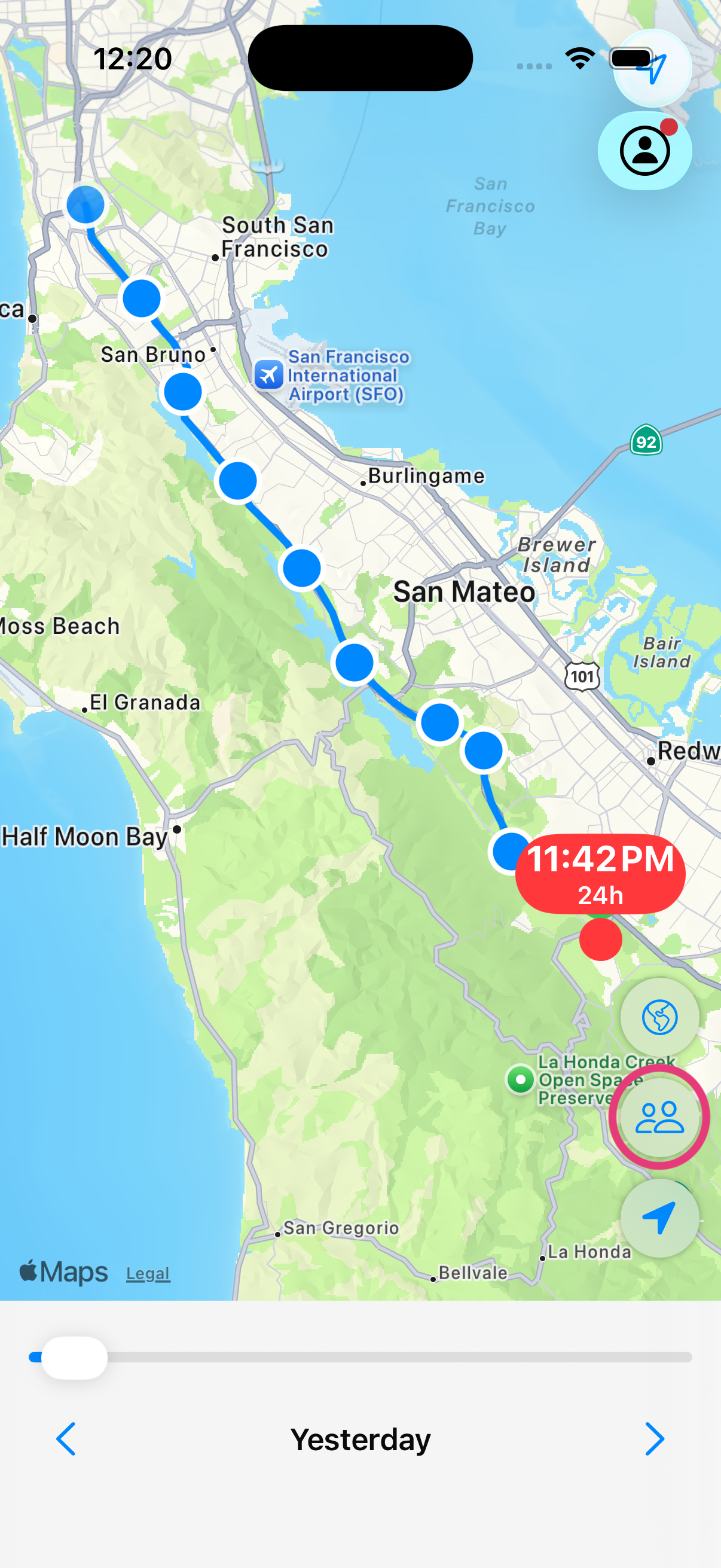
Browse your past locations day by day. Use the date selector to navigate to any previous day and see everywhere you went.

Location History screen
8
▶️

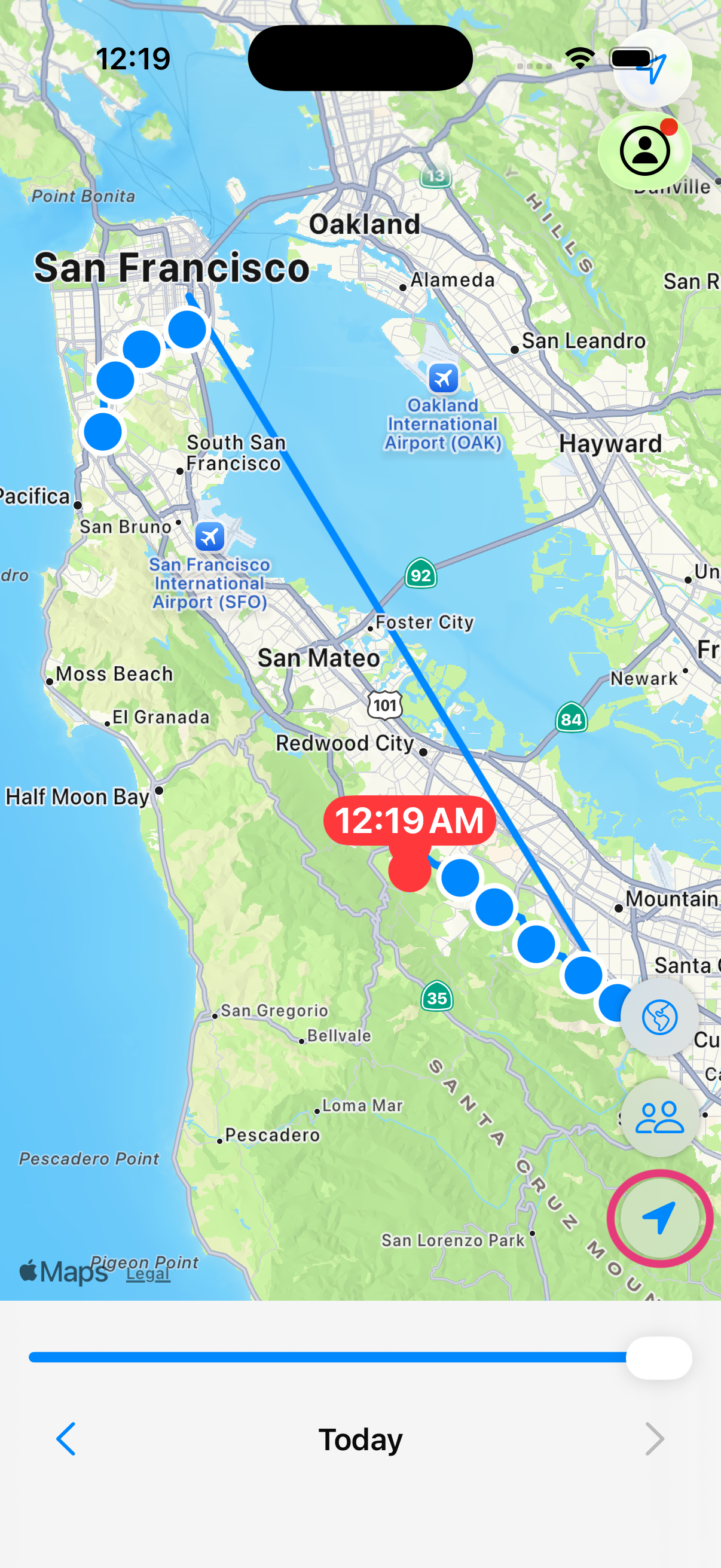
Day Replay

Scrub through your day with the timeline slider. Watch your route animate across the map and see exactly where you were at any moment.

Day Replay screen
9
🛰️

Satellite View

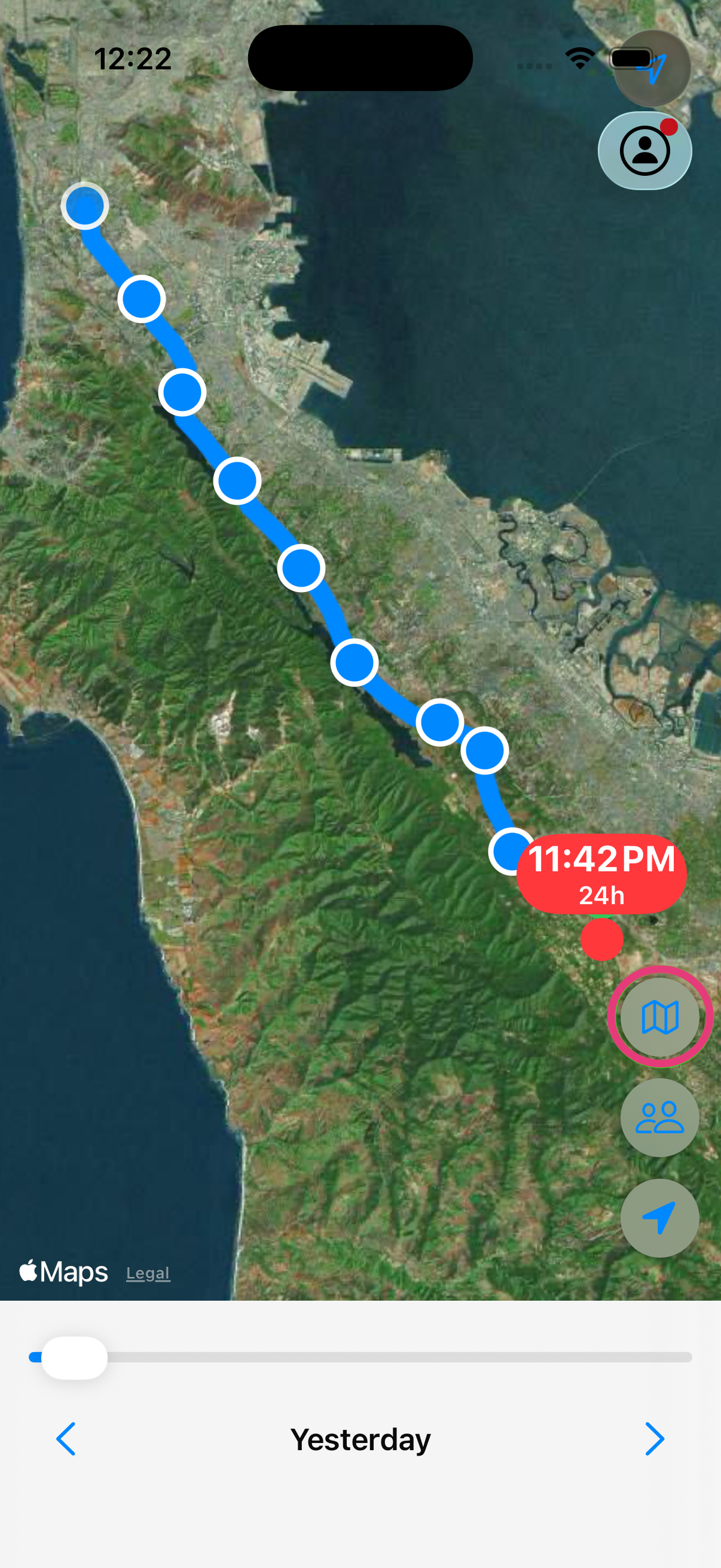
Switch between standard and satellite map styles with a single tap. Get detailed aerial imagery for any location.

Satellite View screen
10
👤

View Member History

Tap any circle member to view their location history. Browse their past days and replay their routes just like your own.

View Member History screen
11

Favorite Locations

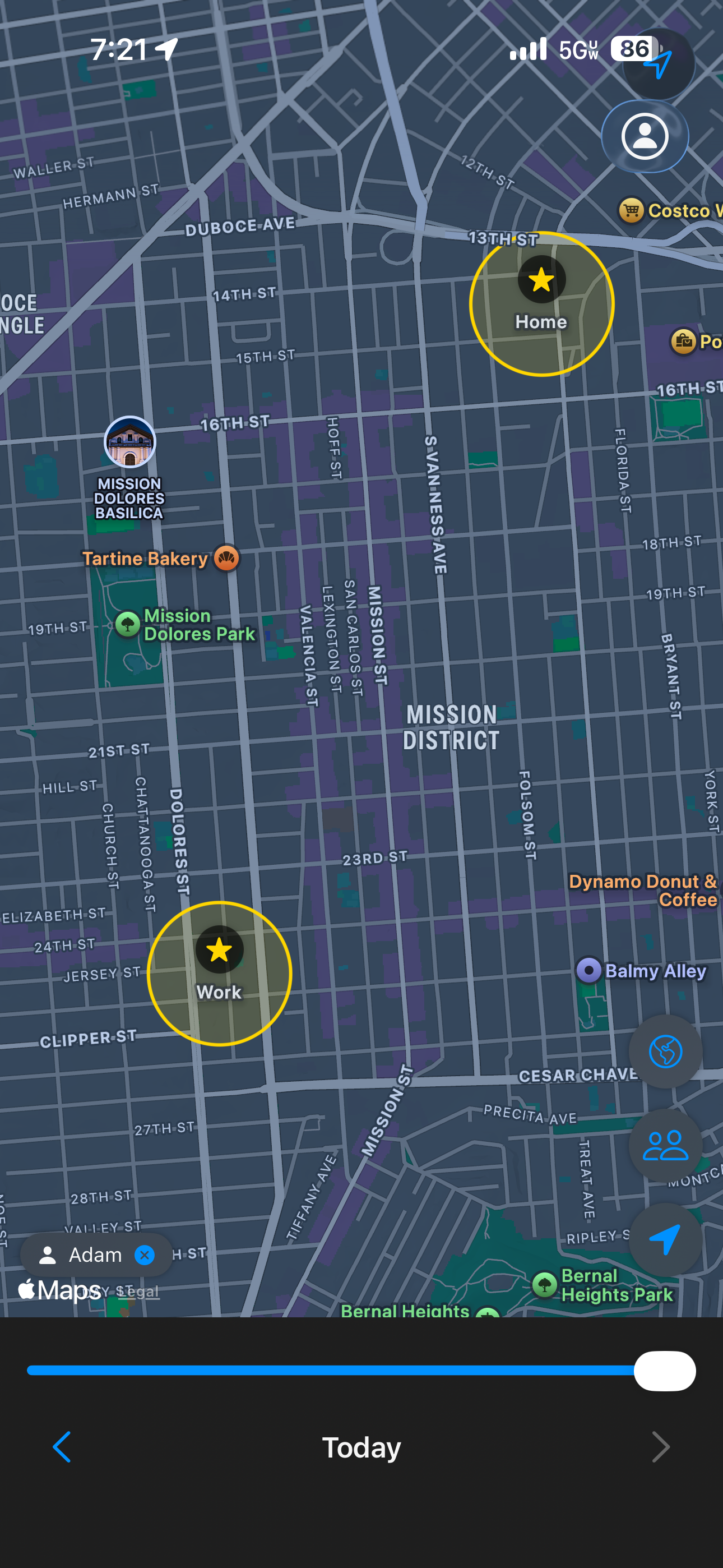
Pin the places that matter most — home, school, work, a friend's house. Favorites appear as star markers on the map so they're always easy to spot.

Favorite Locations screen
12
🔔

Arrival & Departure Alerts

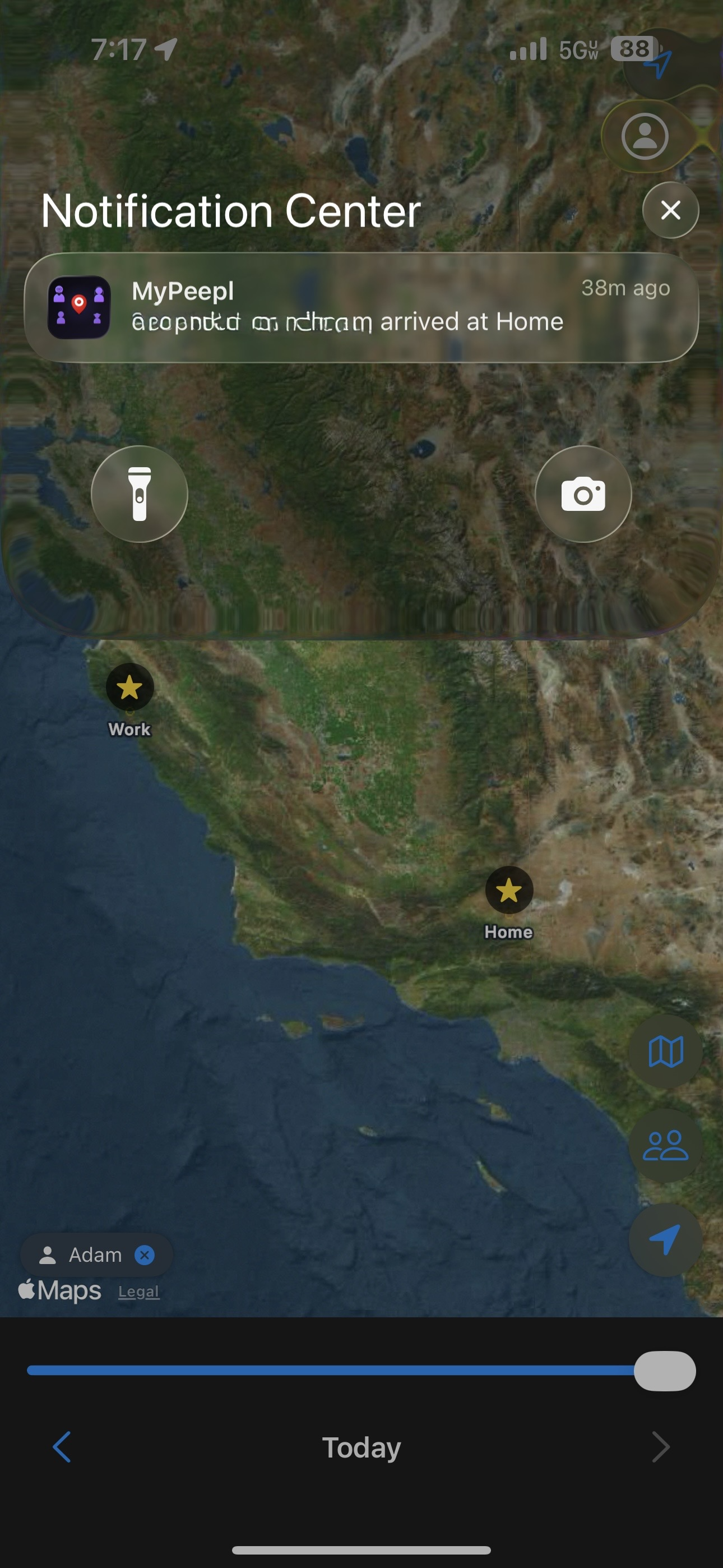
Get notified the moment a circle member arrives at or leaves one of your favorite locations — automatically, with no check-ins needed.

Arrival and Departure Alerts screen
13
💬

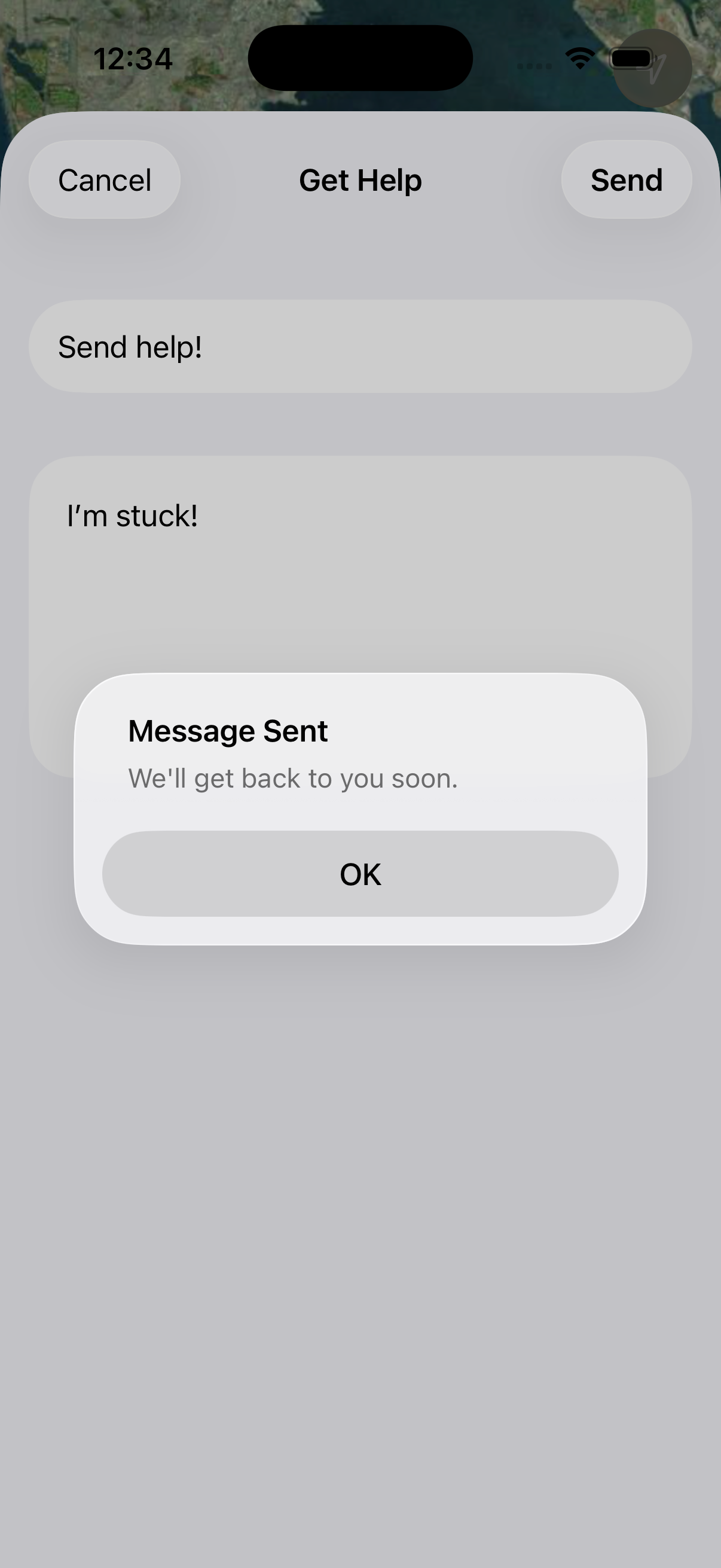
Get Help

Need assistance? Use the built-in support form to send a message directly to the MyPeepl team. Enter a subject and description and tap send.

Get Help screen
14
🚪

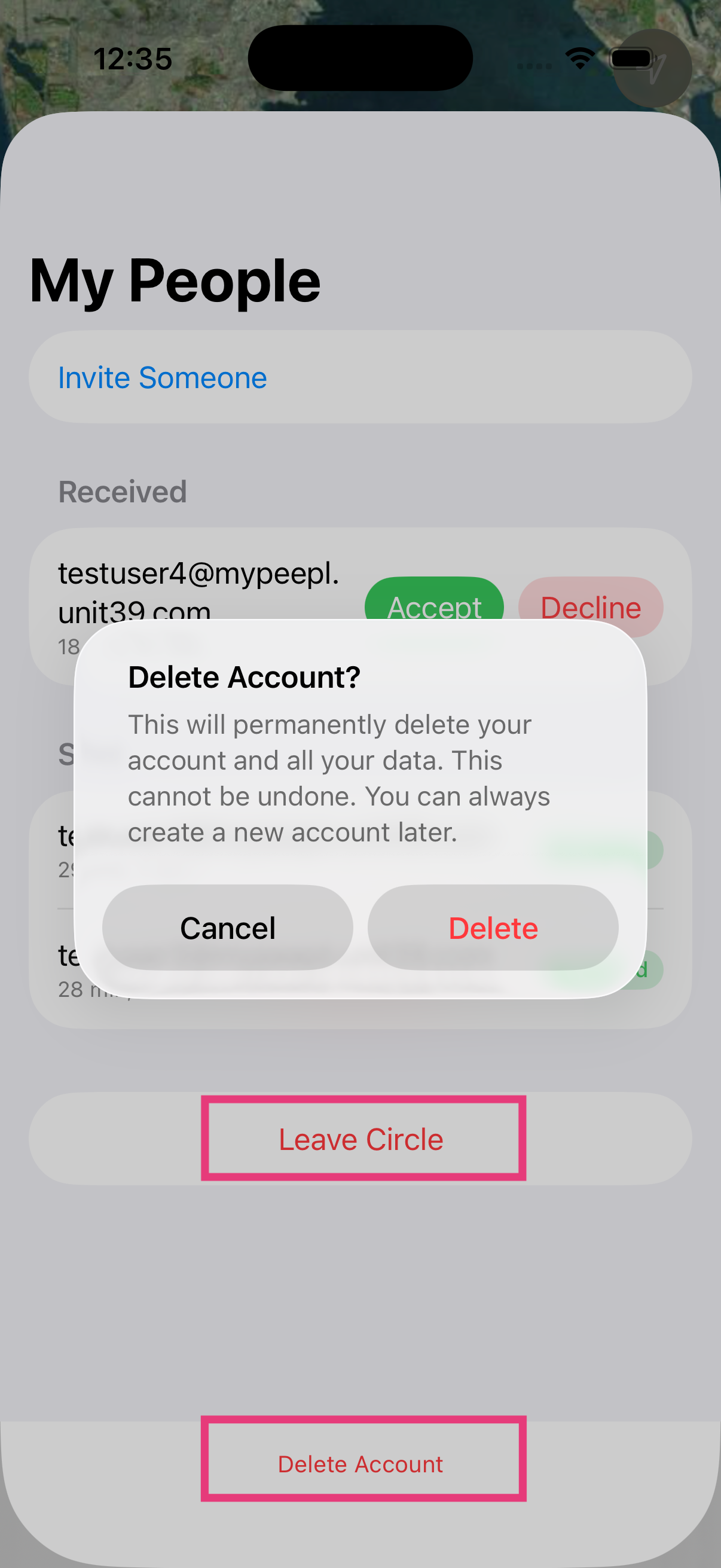
Leave Circle & Delete Account

You're always in control. Leave your circle to stop sharing your location, or permanently delete your account and all associated data.

Leave Circle and Delete Account screen
15
📡

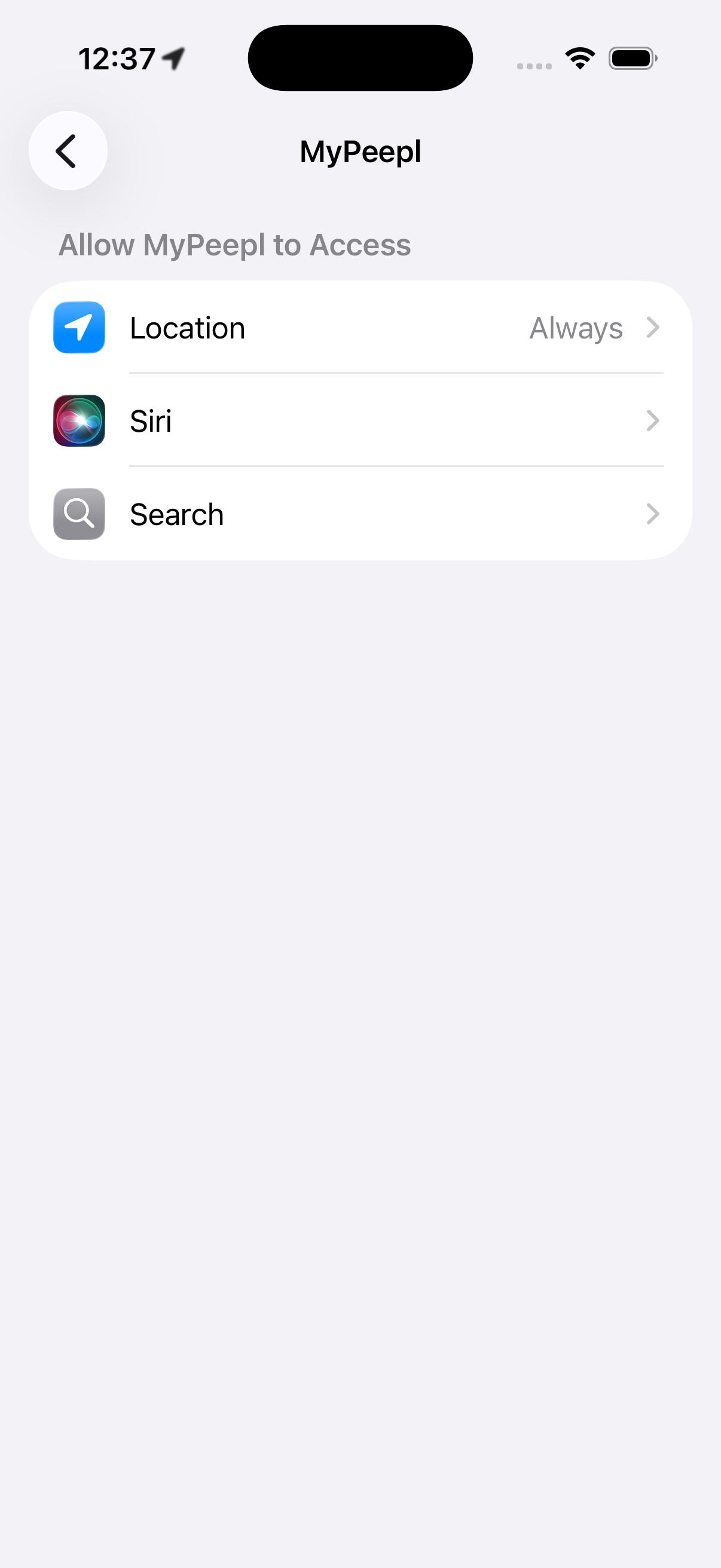
Background Tracking

MyPeepl records your location continuously in the background. Points are stored locally and automatically synced to the cloud.

Background Tracking screen